The tools you use to create, send, and follow up
Shared communications tools for businesses and EDAs. EDA accounts add riding-list Contact Manager, embedded branding, and vote projection.
Create
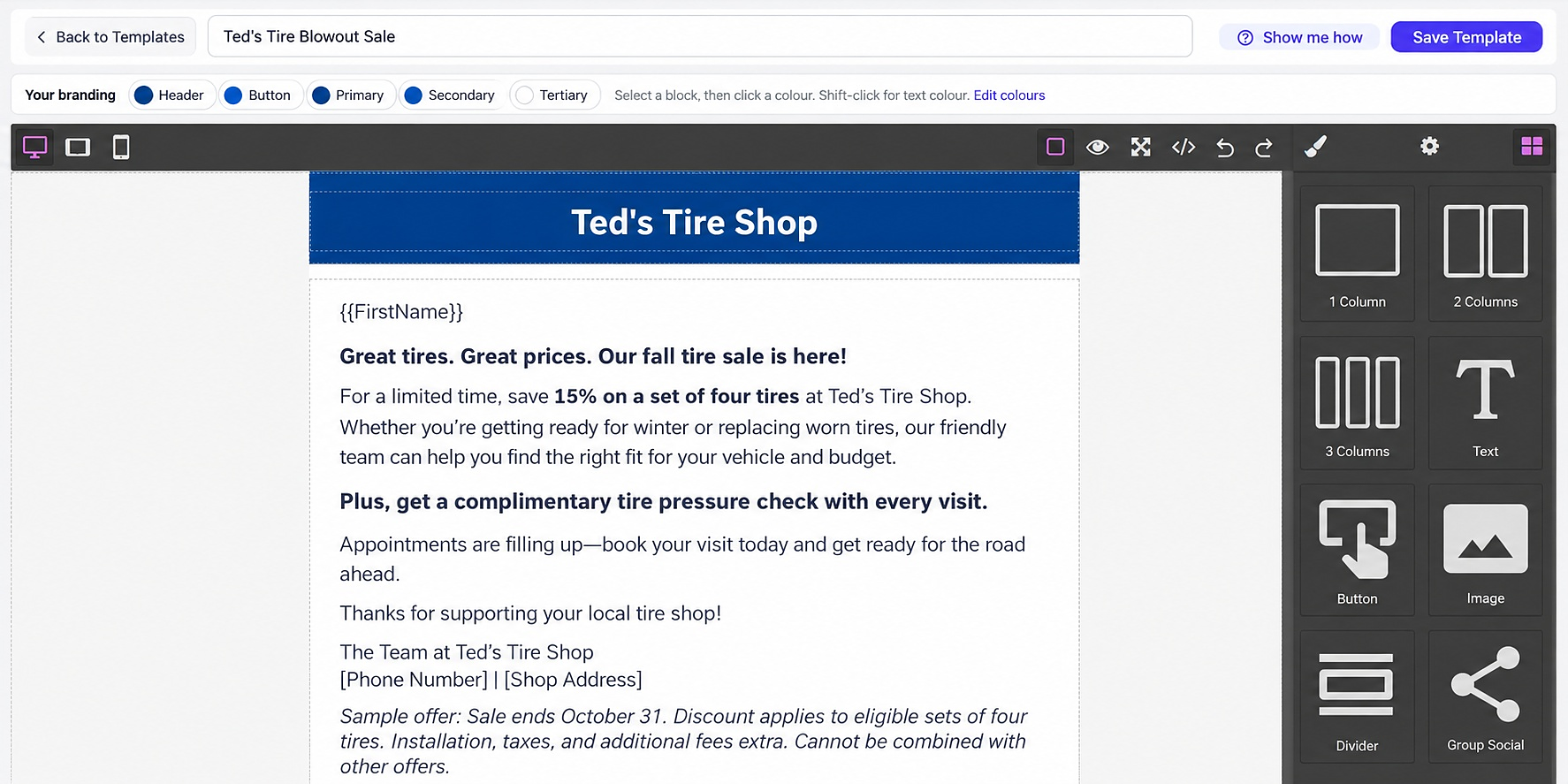
Drag-and-drop email templates
Build emails visually, preview them, and reuse templates for the next send.
Image library
Upload your own images or generate up to 10 AI images per day for headers, banners, and body sections.
Reach
Choose contacts with an email address, pick a template, set the from name, preview, and send.
SMS
Write a text message for contacts with a phone number. STOP handling is added for compliance, and longer texts send as extra segments.
AI voice
Create voice campaigns in the calling workflow, choose a voice, then review and send. This is separate from the email/SMS composer.
Organize
Contact manager
Add, import, search, and keep consent status for email, SMS, and voice. EDA accounts also keep riding, poll, membership expiry, and political categories.
Teams
Invite people to work in the same account. EDAs can also create custom roles and permissions, including scrutineer access.
Measure
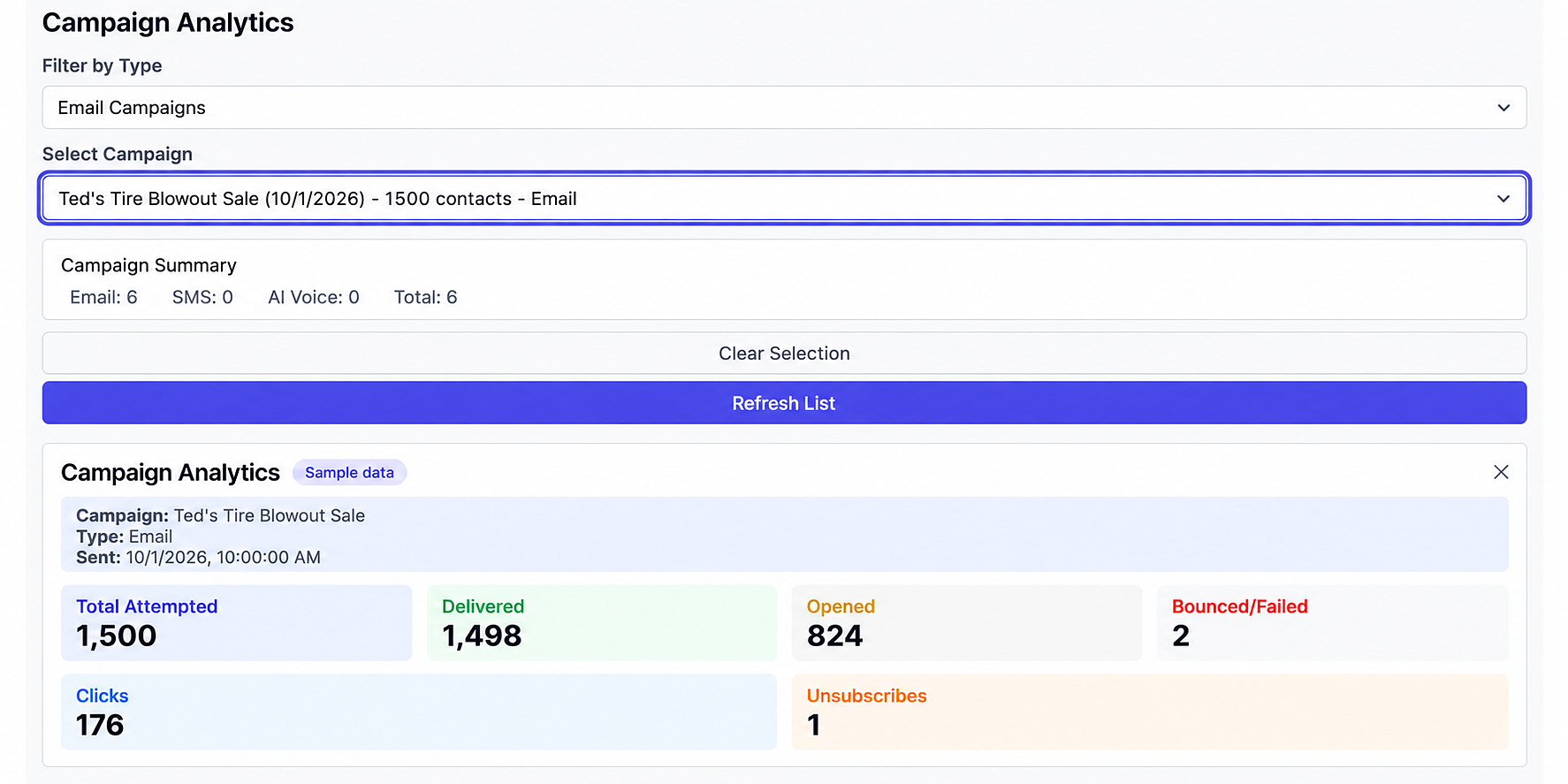
The analytics dashboard shows campaign results after you send, so you can see what went out and how it performed.
EDA only
Built for riding lists — not a generic CRM
EDA accounts are configured for you. Contact Manager uses riding, poll, membership expiry, and political categories. Your association colours are applied to emails. You get priority support, and scrutineering with vote projection is included year-round Beta — most useful on election day. A working poll-station tool, not a guaranteed projection.
Explore EDA tools